Turn test mode on or off
In test mode nothing is saved to players' stats; turning it off deletes the test hands.
1.Open the Panel: tap the list icon at the far left of the bar at the bottom.

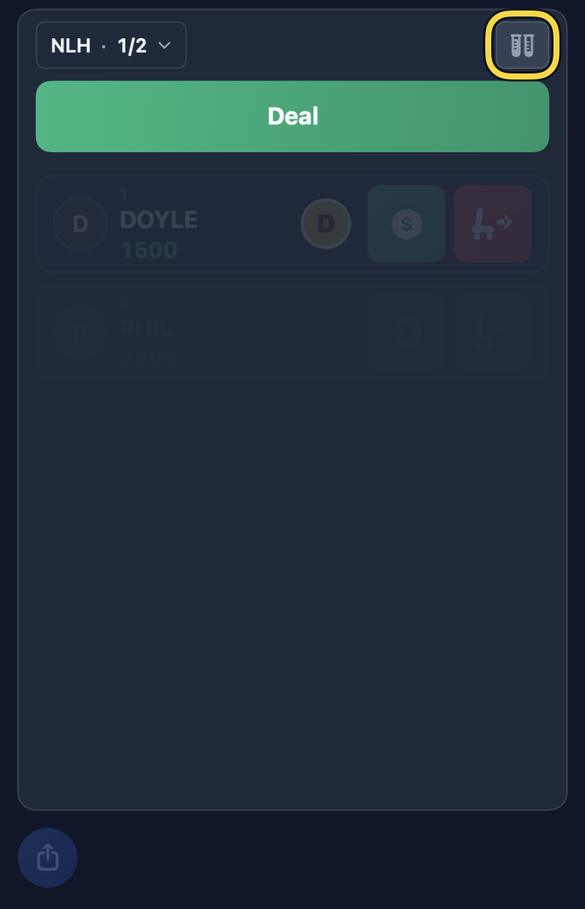
2.Between hands, tap the test-tube icon at the right of the game pill. One tap turns it on (yellow) or off (grey).
Pictures use example players and the newest iPhone app.