Add or change a stream key (YouTube, Twitch...)
A stream key is the password for the channel; copy it from YouTube or Twitch and paste it. While live, this section is called Stream Key and only shows the key.
1.Open Stream: tap the broadcast icon (second from the left) on the bar at the bottom.

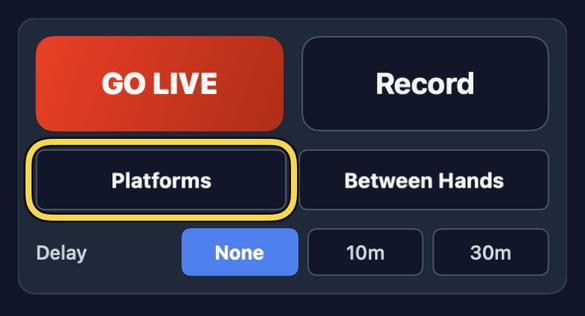
2.Tap Platforms.
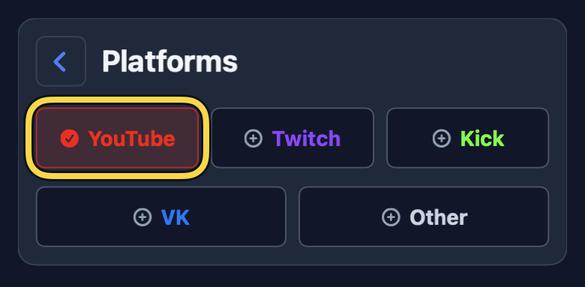
3.Tap YouTube (or Twitch, Kick, VK, Other).
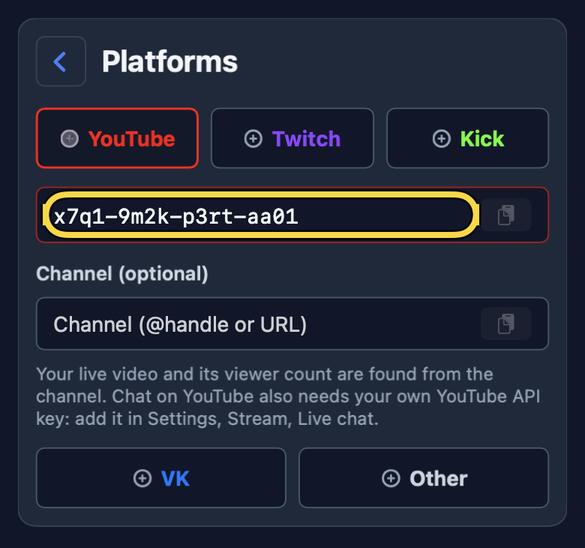
4.Paste the key into the field. It saves when you tap Done or tap the platform again.
Pictures use example players and the newest iPhone app.