Seat a new player
1.Open the Panel: tap the list icon at the far left of the bar at the bottom.

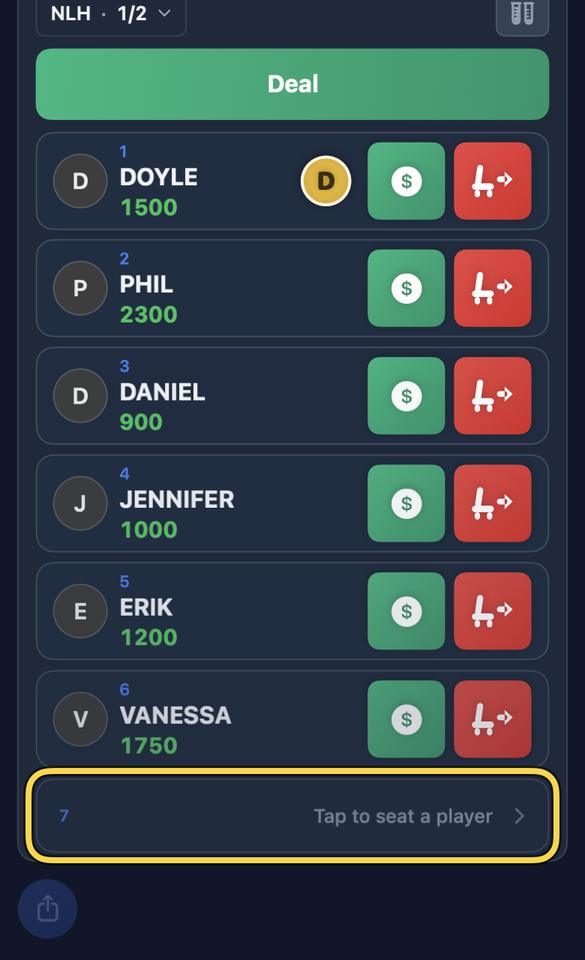
2.Between hands, tap an empty seat (it reads Tap to seat a player). Empty seats are hidden during a hand.
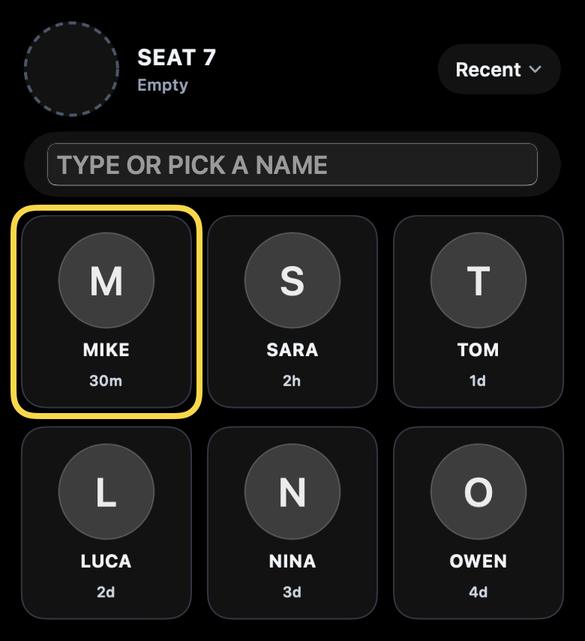
3.Tap the player's face to seat them. Holding a face seats them and asks for their buy-in.
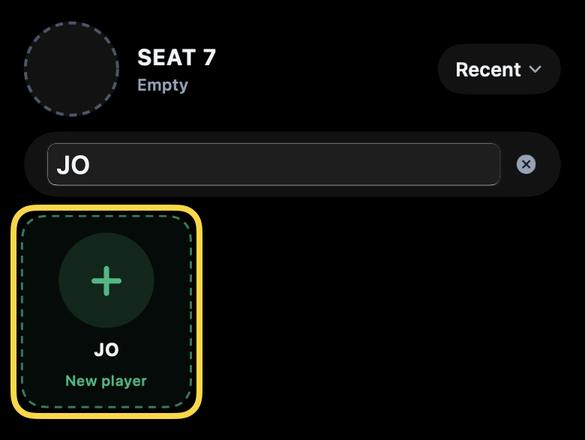
4.A new player: type their name, then tap the green tile with the + to create them and seat them.
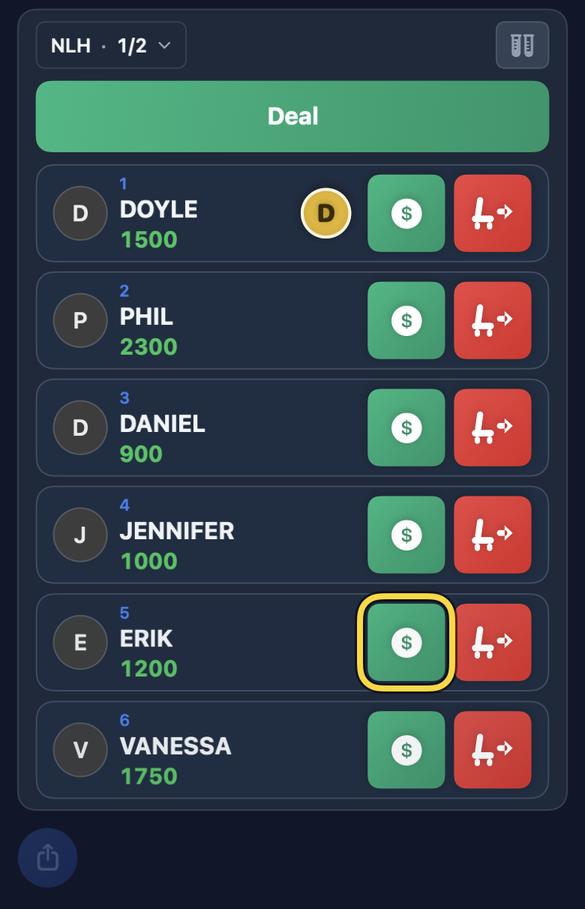
5.Then set their stack: the green $ key on their row.
Pictures use example players and the newest iPhone app.