Move the dealer button
It moves at once, with no question asked.
1.Open the Panel: tap the list icon at the far left of the bar at the bottom.

2.Between hands, tap the gold D chip on the dealer's row.
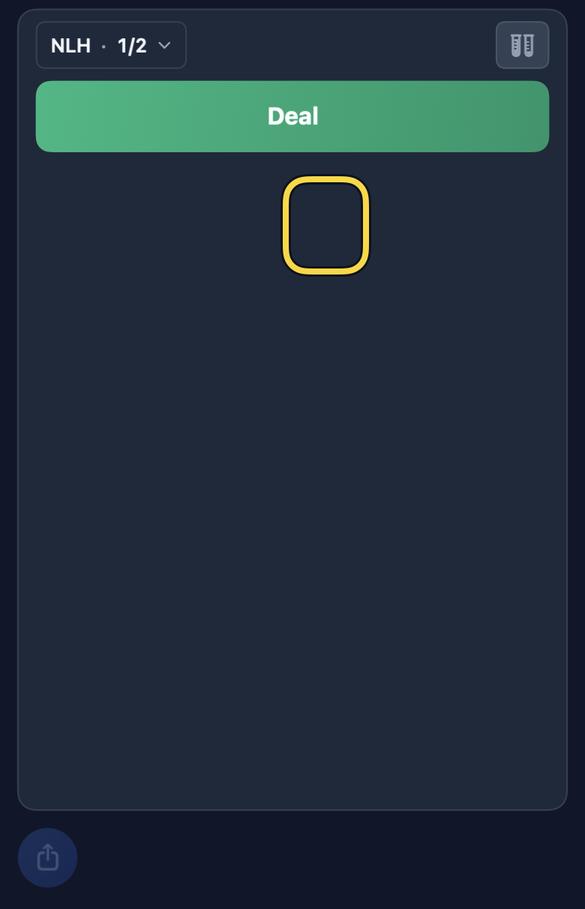
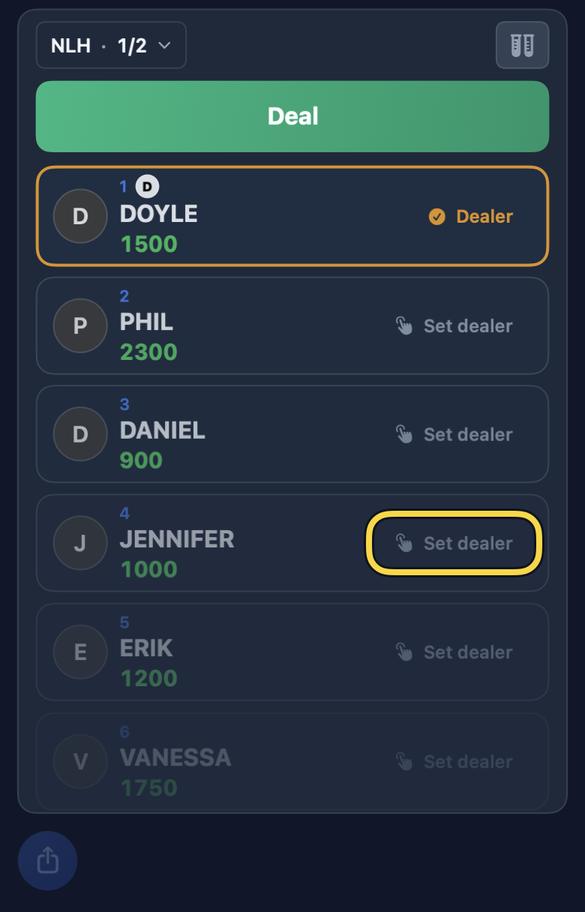
3.Every other row now says Set dealer. Tap Set dealer on the player who should have the button.
Pictures use example players and the newest iPhone app.