Change the blinds
They apply from the next hand.
1.Open the Panel: tap the list icon at the far left of the bar at the bottom.

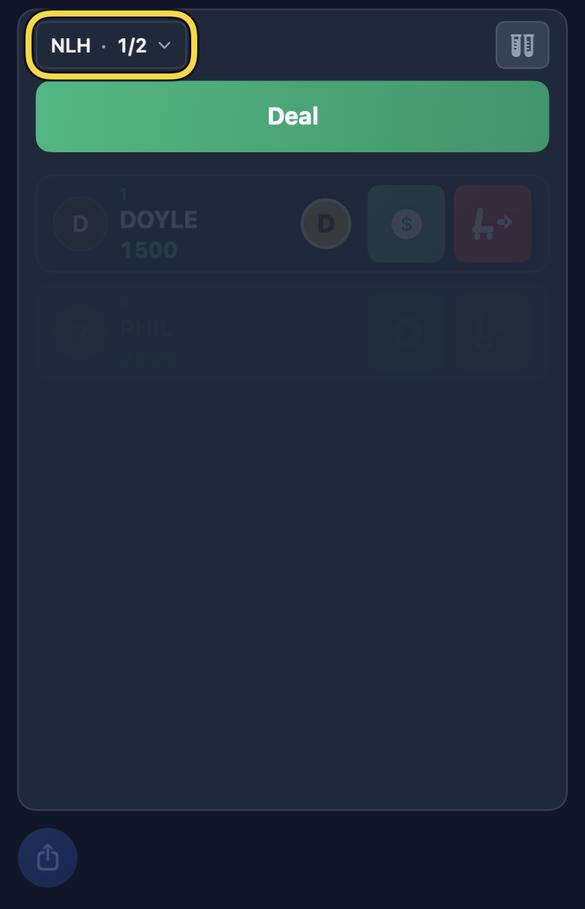
2.Tap the game pill at the top left of the Live screen (it shows your game and blinds, like NLH · 1/2).
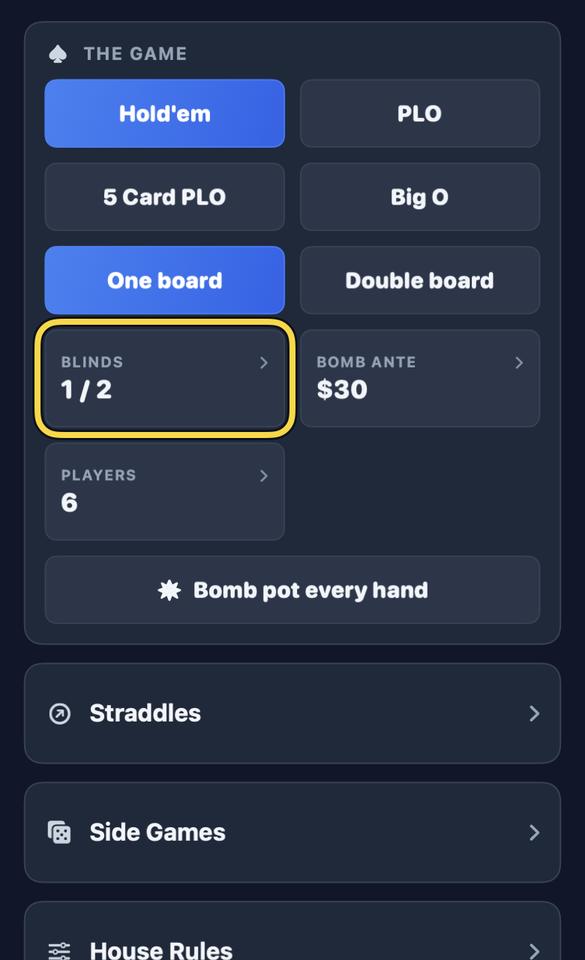
3.Tap the Blinds tile.
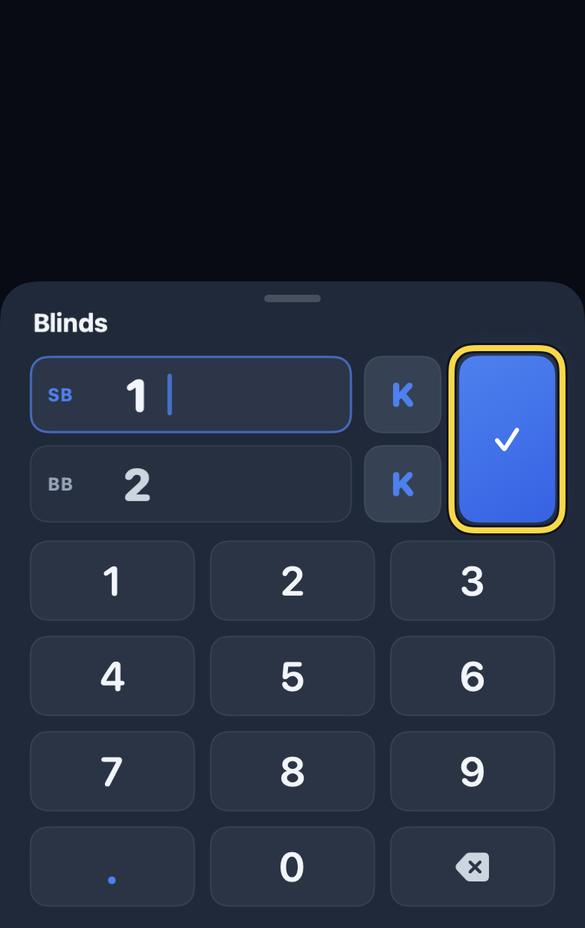
4.Type the small blind, tap the BB row and type the big blind (K makes it thousands), then tap the blue ✓.
Pictures use example players and the newest iPhone app.