Graphics between hands (VPIP, chip counts...)
1.Open Stream: tap the broadcast icon (second from the left) on the bar at the bottom.

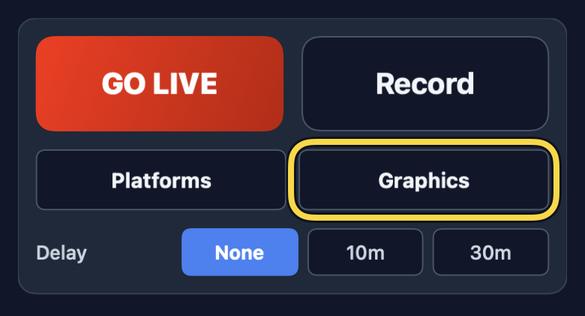
2.Tap Graphics.
3.Tap a graphic to cue it for the breaks (tap again to take it off). Blur Feed and Mute Table Audio are the switches underneath.
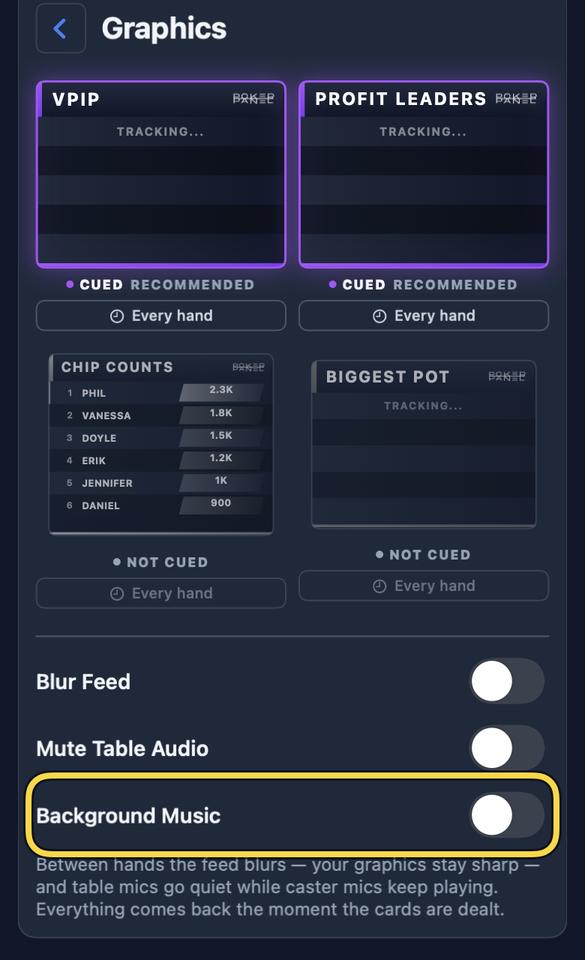
Pictures use example players and the newest iPhone app.